Optimization and Day / Night Cycle
Optimization
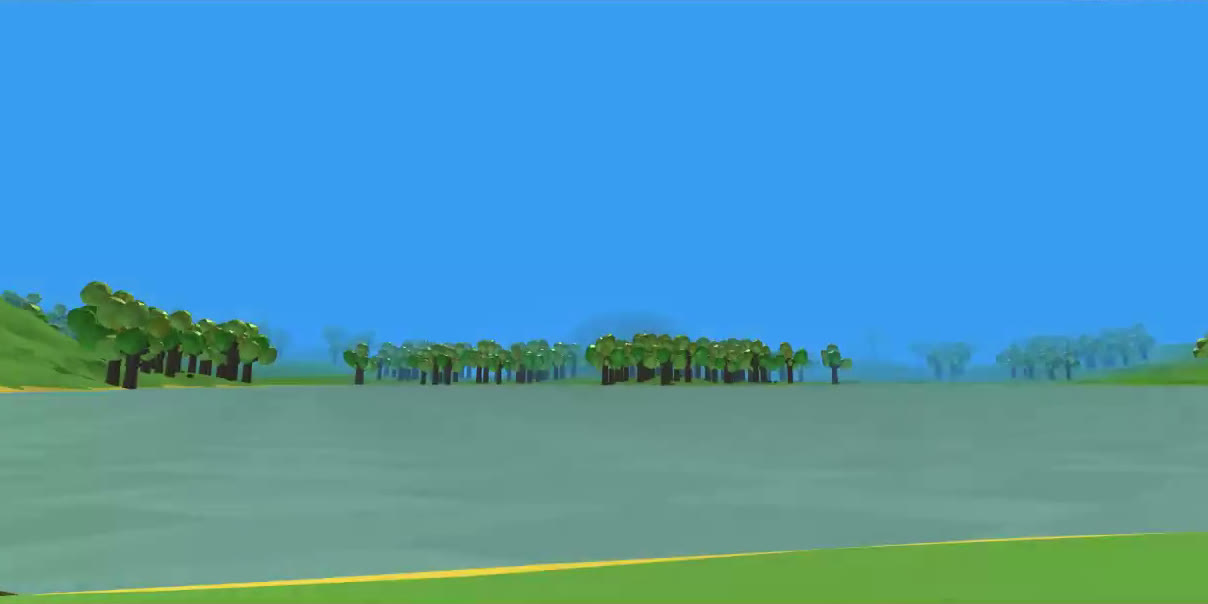
I’ve increased the draw distance to the length I’m happy with and it resulted in a huge amount of draw calls and dropped my locked 60 fps down to an average of 24 fps. So I’ve been doing a lot of under the hood stuff to help with that. One of the main problems is I had 4 different materials for each tree prefab, so I turned those 4 materials into 1 UV map in Blender, and that cut it down to a 1/4th of what it was. I then created LODs for the tree prefab and Occlusion Culling for not only items out of the shot but also covered by other objects in the scene. So now I can look at over 1000 trees in the distance and I can hold a steady 60 fps. Since I’ve set up the LOD and Occlusion Culling is in, I don’t think frame drops will be a problem in the future when I add even more things to the scene, so I’m really glad I started work now on it. I had to learn sometime, so even if I don’t end up using that tree model I’ll have the know how to do it again quickly.
Day and Night
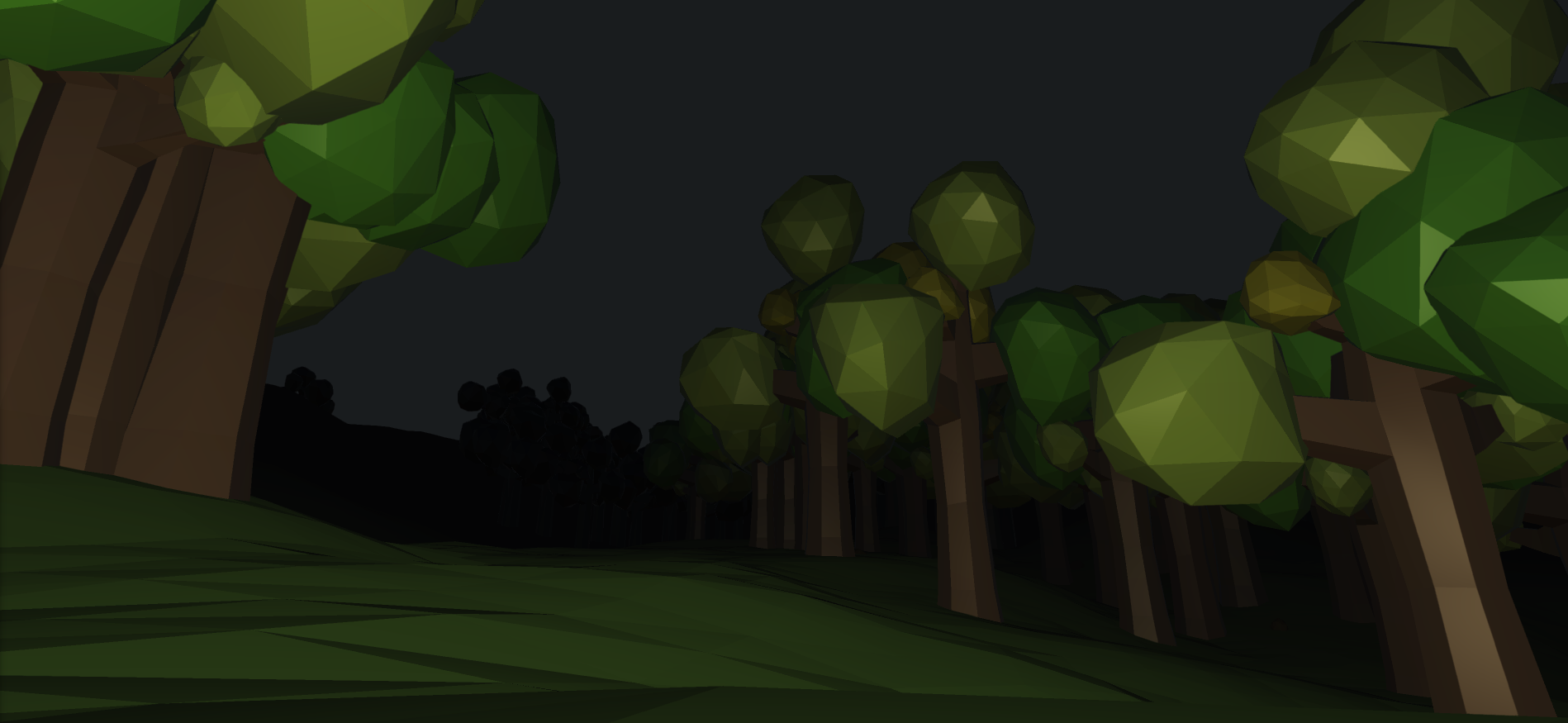
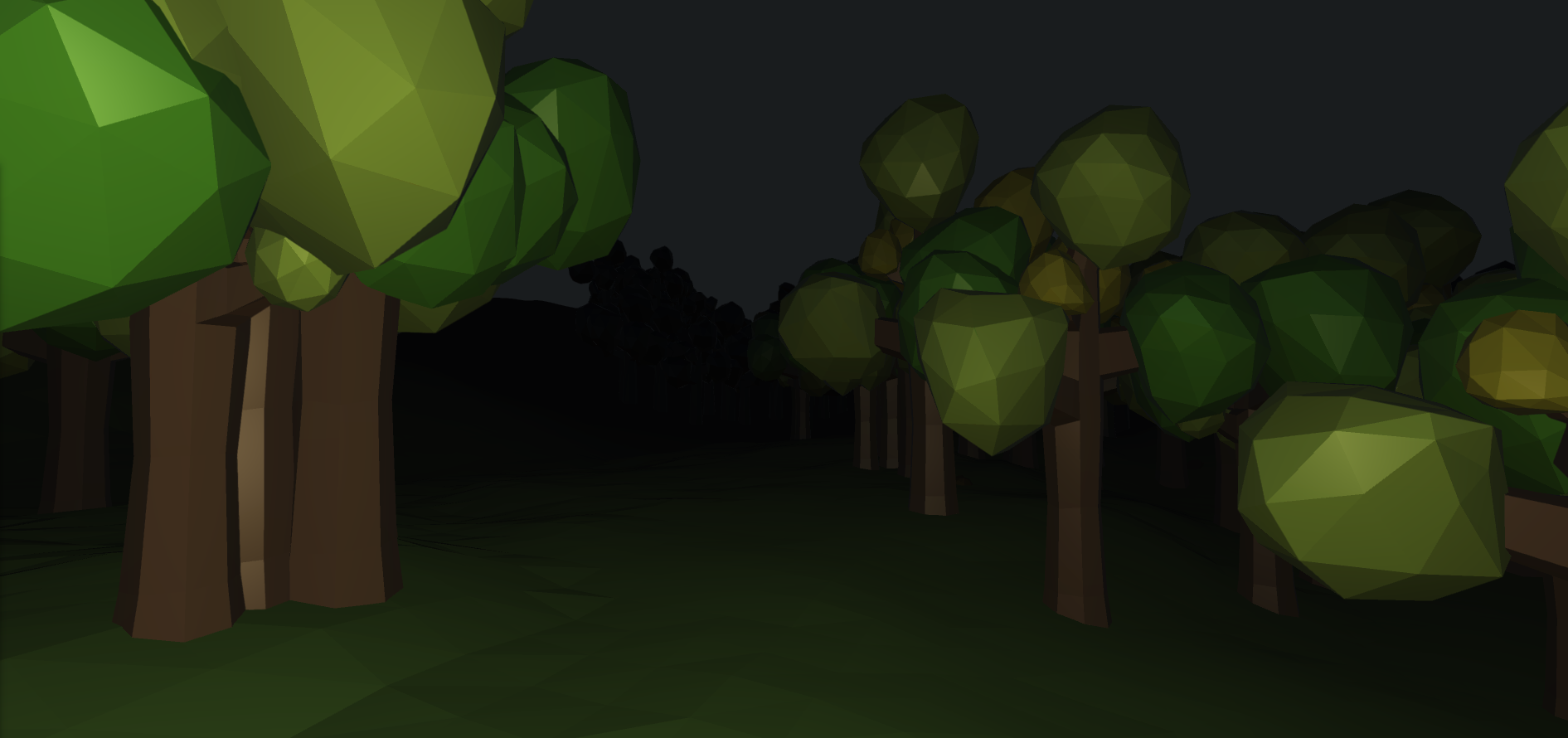
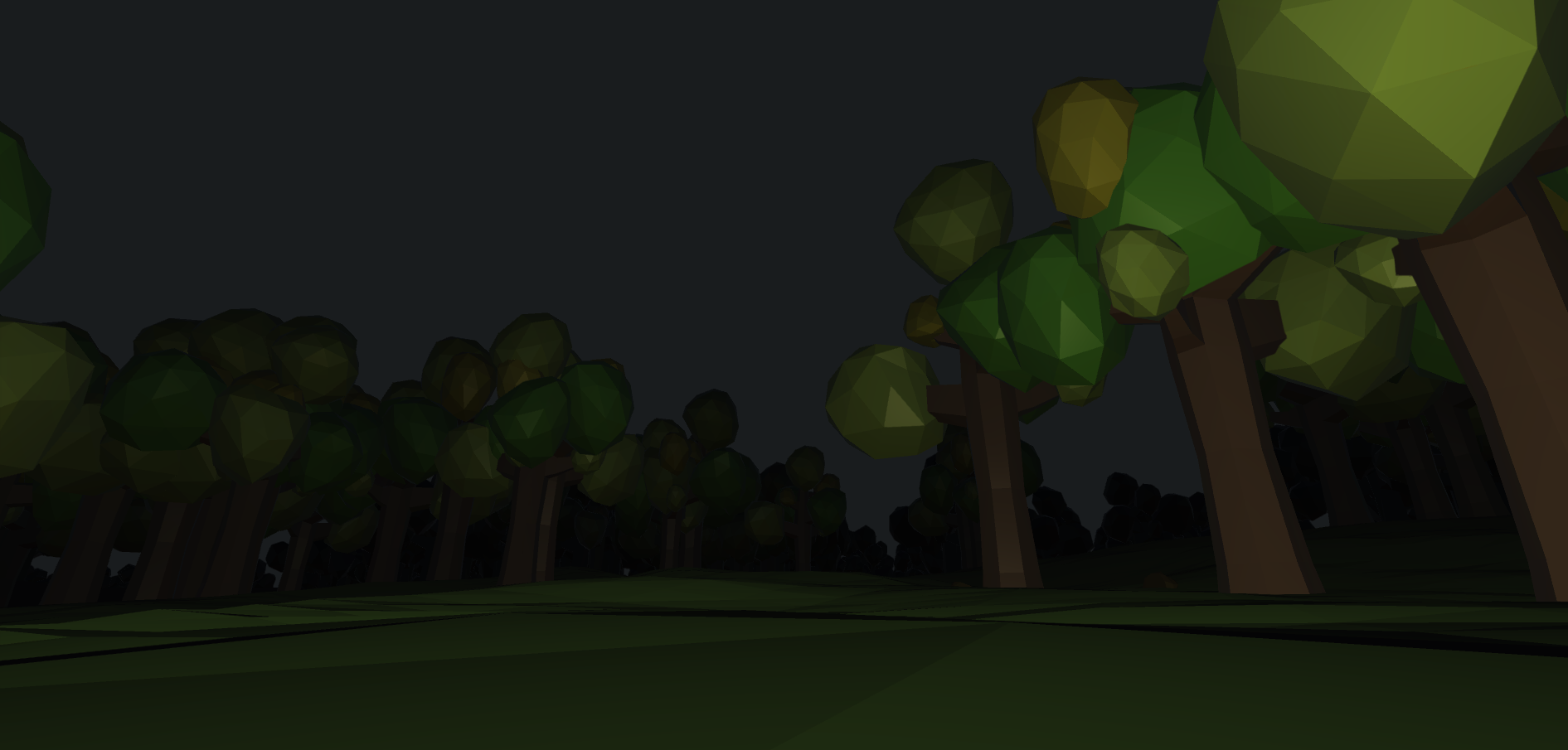
Since I’ve decided to try and make the solid color skybox and fog work together, I’ve sacrificed the ability to use a procedural default skybox that’s in Unity. So I’m going to have to figure out how to add gradients and things behind the loaded content to make the skybox look better. I need to add a new sun too. But I messed around with having a dark blue directional light facing the exact opposite of the sun’s directional lighting so that objects in shadows still have depth. It’ looks really good, and I’ll be working on a system that moves them in sync and changes the intensity of each other as the angle and positions move. I simulated some values for night time and gave myself a light like a lantern and I think it looks kind of interesting.
I’m going to find a good way to implement stars and dynamic clouds once I feel good about the state of the background sky box.